

Photorealistic 3D Renders
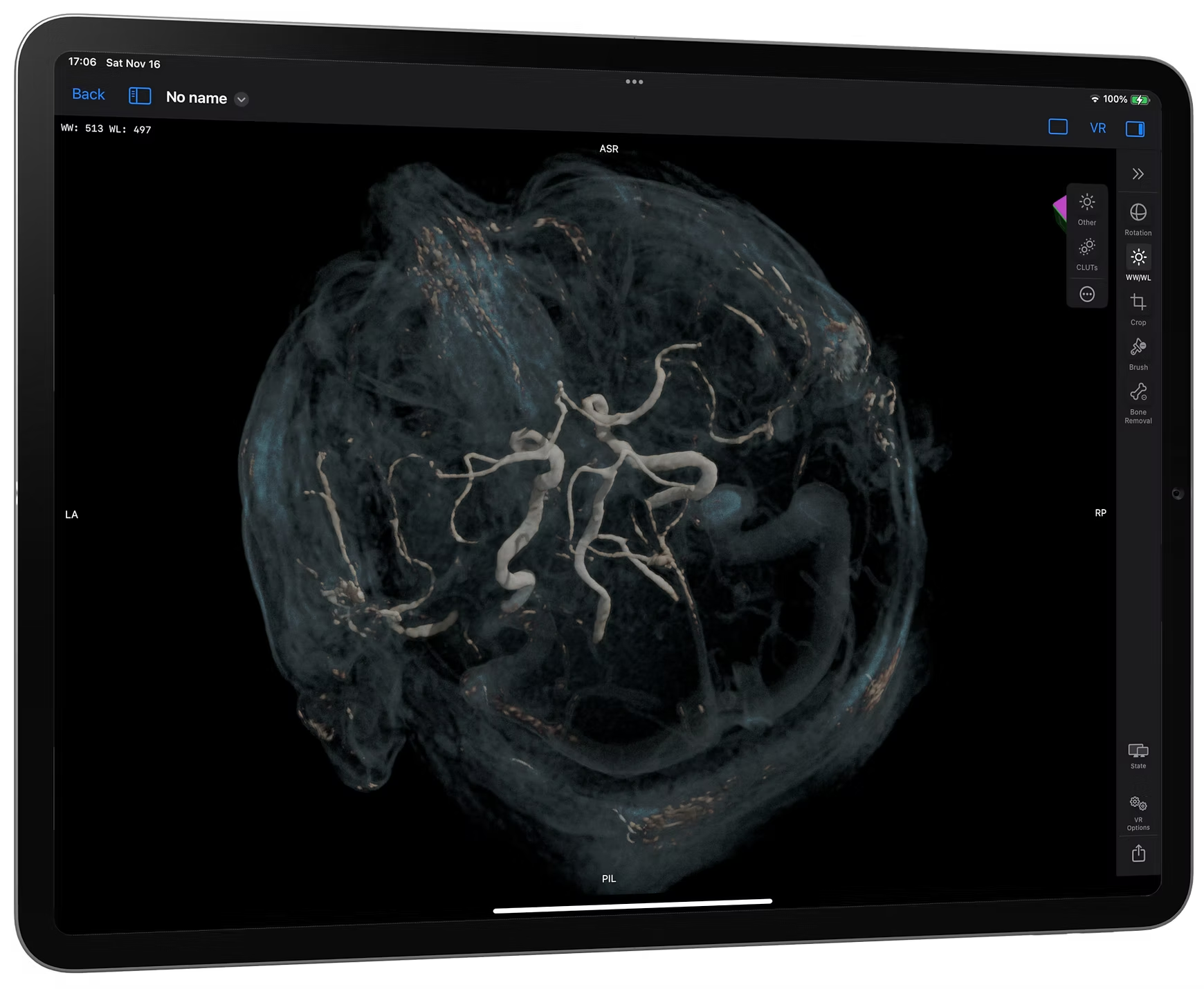
Experience lifelike 3D volume rendering on your iPhone and iPad.
Next-Gen Medical Image Viewer for iPhone, iPad, Mac &Apple Vision Pro.
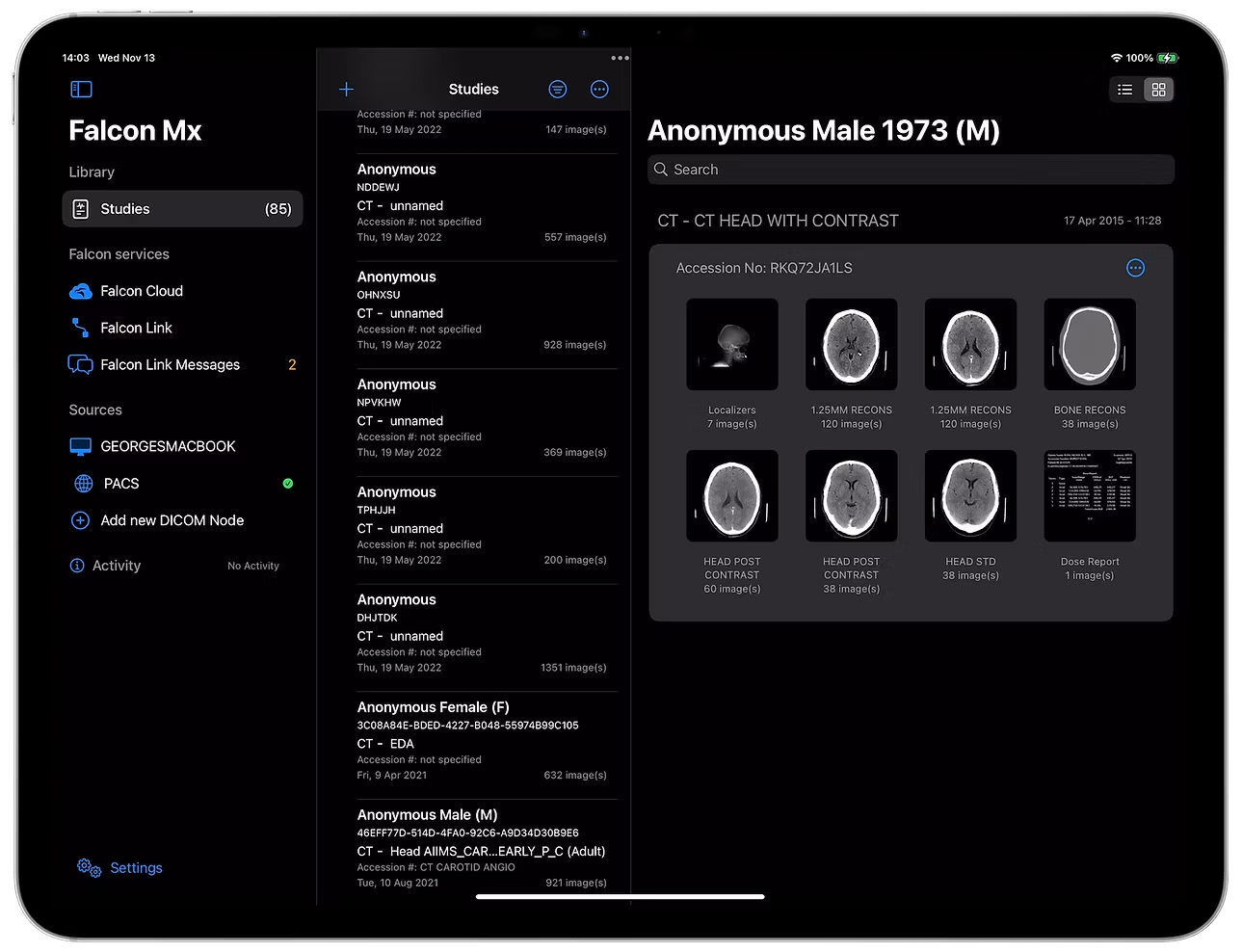
Discover the future of medical image viewing with Falcon Mx on your Mac, iPhone, iPad, and Apple Vision Pro. Experience unparalleled power and efficiency with a world-class DICOM viewer available across your Apple devices.

*Falcon Mx is not a medical device and must not be used for diagnosis
Falcon Mx isn't just about viewing images; it's designed to make reviewing medical images easy, wherever you are. With an intuitive interface and powerful features, it delivers a desktop-quality experience on the go.
Whether you're a healthcare professional on the go, a medical student, or a researcher, Falcon Mx transforms your iOS device into a portable medical imaging powerhouse. This cutting-edge app brings advanced medical technology to your fingertips, enabling immediate review and analysis of medical images.
Stay connected to your work and your patients, no matter where you are, with Falcon Mx - your partner in mobile medical excellence.
Experience lifelike 3D volume rendering on your iPhone and iPad.

Navigate with ease using a clean, streamlined design that lets you focus on the images, not the tools.

With Falcon Link, you can seamlessly connect, exchanging files, sharing reports, and answering patient questions directly within the app for a truly integrated care experience.
Tech specs
Falcon Mx delivers the power of advanced medical imaging directly to your fingertips -featuring robust tools for viewing, analyzing, and sharing DICOM images on iPhone and iPad. Engineered for mobile workflows, Falcon Mx combines cutting-edge technologies with intuitive touch-based controls, providing seamless performance for 2D and 3D rendering, multi-modality support, and real-time collaboration. Optimized for iOS and iPadOS, Falcon Mx redefines mobility in medical imaging, empowering professionals to stay connected and efficient wherever they go.
With a comprehensive set of tools for viewing, analyzing, measuring, annotating, adjusting windowing, 3D volume rendering, syncing series, comparing studies, organizing, and sharing studies, Falcon Mx offers unmatched functionality and precision, seamlessly enhancing your mobile imaging workflow.


English, Deutsch, Ελληνικά, Français, Magyar, Polski, Русский, Español, Українська