


Beyond 3D
Unlock the power of 4D imaging with our new viewer, effortlessly opening CT and MRI datasets in 4D or 3D modes with precise control over phases and interpolation.
Falcon MD Free for Academia
One-year license available for verified university faculty and students.

FDA-cleared for use on Mac, iPhone, and iPad
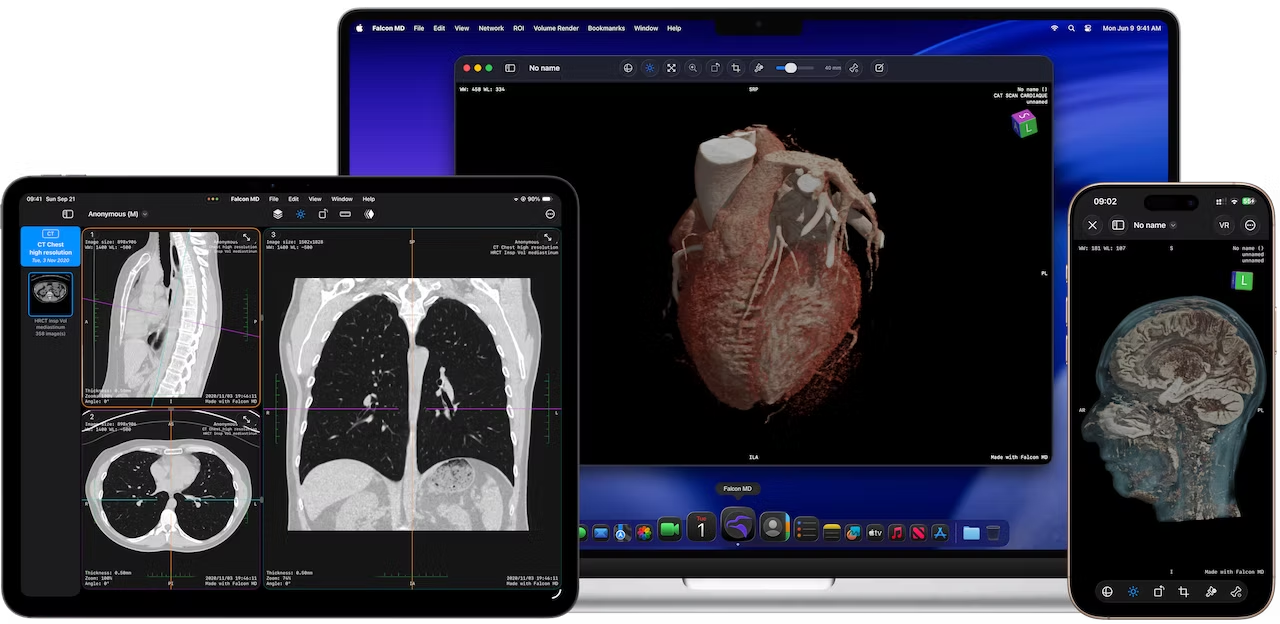
Falcon MD is a powerful and user-friendly DICOM Viewer designed for physicians and medical professionals who are dedicated to delivering exceptional patient care.
FDA-cleared for use on Mac, iPhone, and iPad, Falcon MD is equipped with advanced functionalities to streamline your diagnostic process for better patient care.
Whether you're reviewing complex cases or everyday scans, Falcon MD equips you with everything you need to excel.


Falcon MD 27.0 marks a new chapter in the Falcon ecosystem.
At its heart is Falcon Assistant, a new, context-aware assistant that works alongside you while reviewing studies, intelligently surfacing relevant priors, newer exams, and related studies when you need them.
Falcon Cloud* extends that experience across Mac, iPhone, and iPad, keeping your studies and workflow connected wherever you work.
Hanging Protocols automatically organize studies with predefined layouts, series arrangements, comparison behavior, and viewing preferences tailored to your workflow.
Also new: Worklist View for faster study management and 4D ROI Analysis for temporal imaging and enhancement curves.
Falcon MD 27.0: smarter, connected, and built around the way you work.
*Falcon Cloud is currently available in selected countries.
Unlock the power of 4D imaging with our new viewer, effortlessly opening CT and MRI datasets in 4D or 3D modes with precise control over phases and interpolation.

Streamline your diagnostic workflow with Hanging Protocols, automatically organizing studies, layouts, and comparison views based on modality and anatomy - reducing repetitive setup and helping you focus immediately on interpretation.

With Falcon Link, you can seamlessly connect, exchanging files, sharing reports, and answering patient questions directly within the app for a truly integrated care experience.
Imagine a world where sharing vital information is as easy as a click, where connections with patients happen instantly, and powerful tools bring imaging to life - all in one seamless platform. Falcon Link transforms that vision into your workflow. It's your seamless, secure bridge to better patient care, empowering you to collaborate, connect, and make an impact like never before.
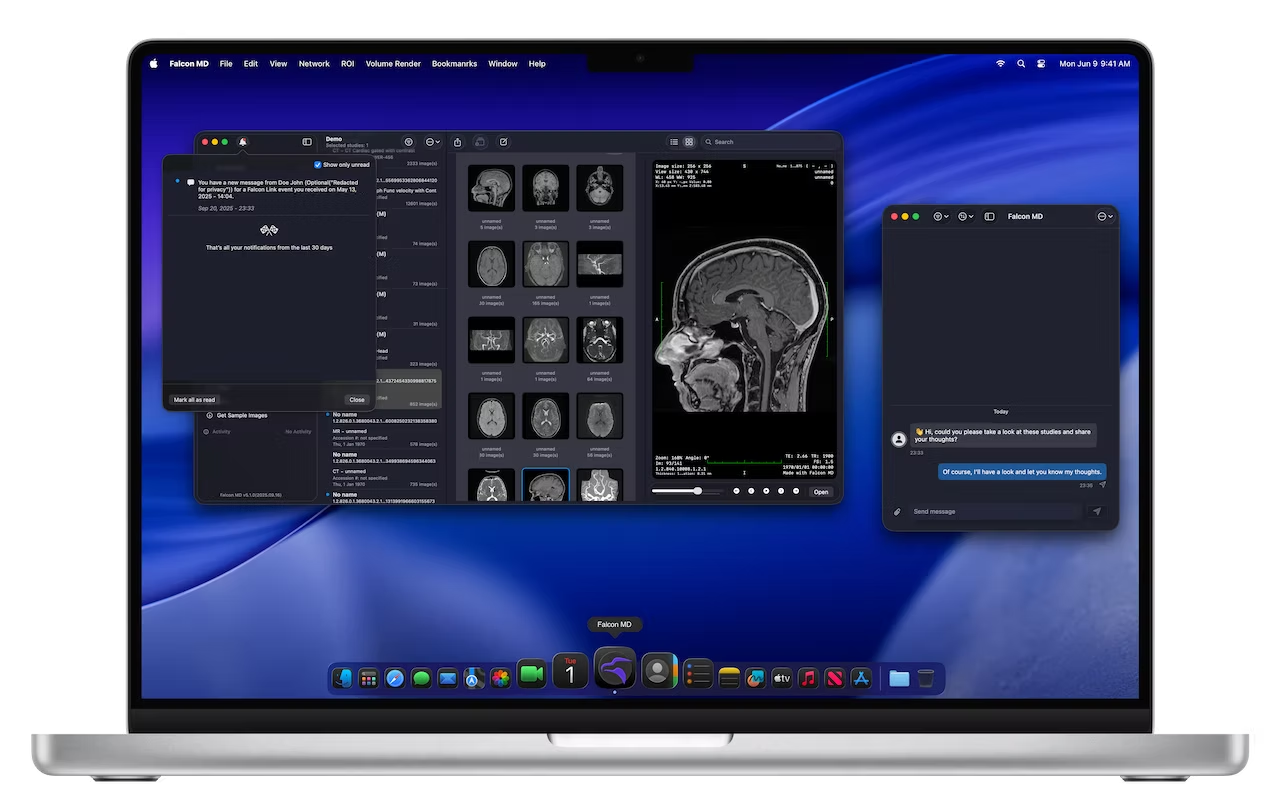
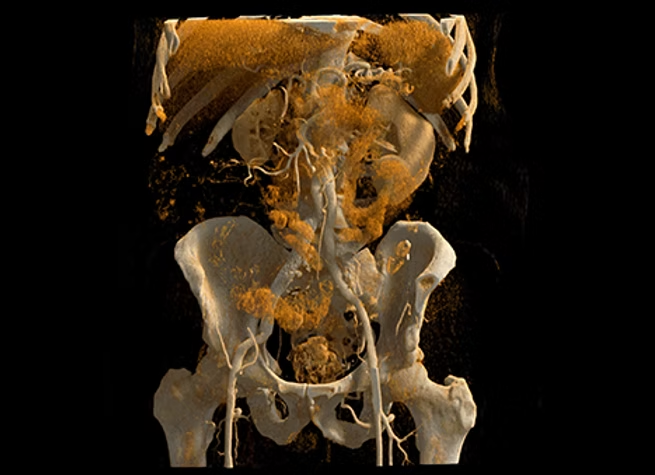
Falcon MD's photorealistic renders on Apple's M-series chips are a game-changer in medical diagnostics. They deliver stunning visual clarity, enhancing the accuracy of diagnoses. The M-series' power enables our renders to mimic real-life details closely, making them not just visually impressive but also crucial for medical precision.
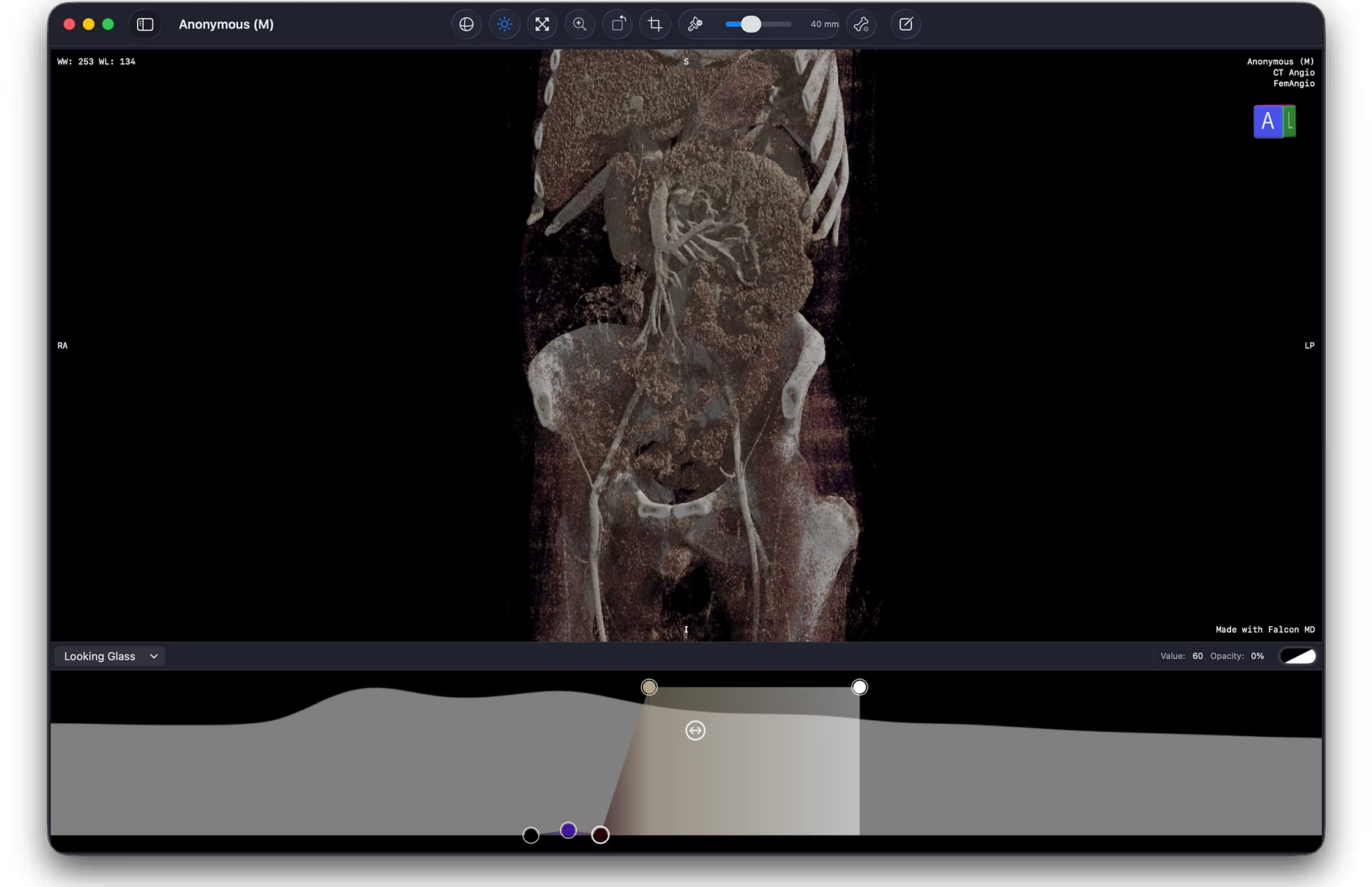

Our advanced brush tool lets you effortlessly sculpt your 3D volume renderings, removing unwanted areas with precision to reveal anatomy in stunning clarity.

Uncover vital details with our advanced removal tool, clearing obstructive structures to bring critical anatomy into sharp focus. Ideal for vascular studies and complex cases, it reveals underlying details with unmatched clarity, transforming your diagnostic experience.

Focus on exactly what you need with our Precision Crop tool, allowing you to isolate and highlight key areas for a streamlined, detailed view. Effortlessly cut through distractions and zero in on the essential anatomy that matters most to your diagnosis.
Falcon MD offers an exceptional suite of tools and features - a powerful set of capabilities for viewing, analyzing, and sharing medical images, with cutting-edge innovations that streamline every step of the radiology workflow. Built with an advanced, high-performance engine, Falcon MD brings seamless 3D rendering, diagnostic tools, and secure sharing right to your fingertips, transforming how you approach medical imaging.
Tech specs
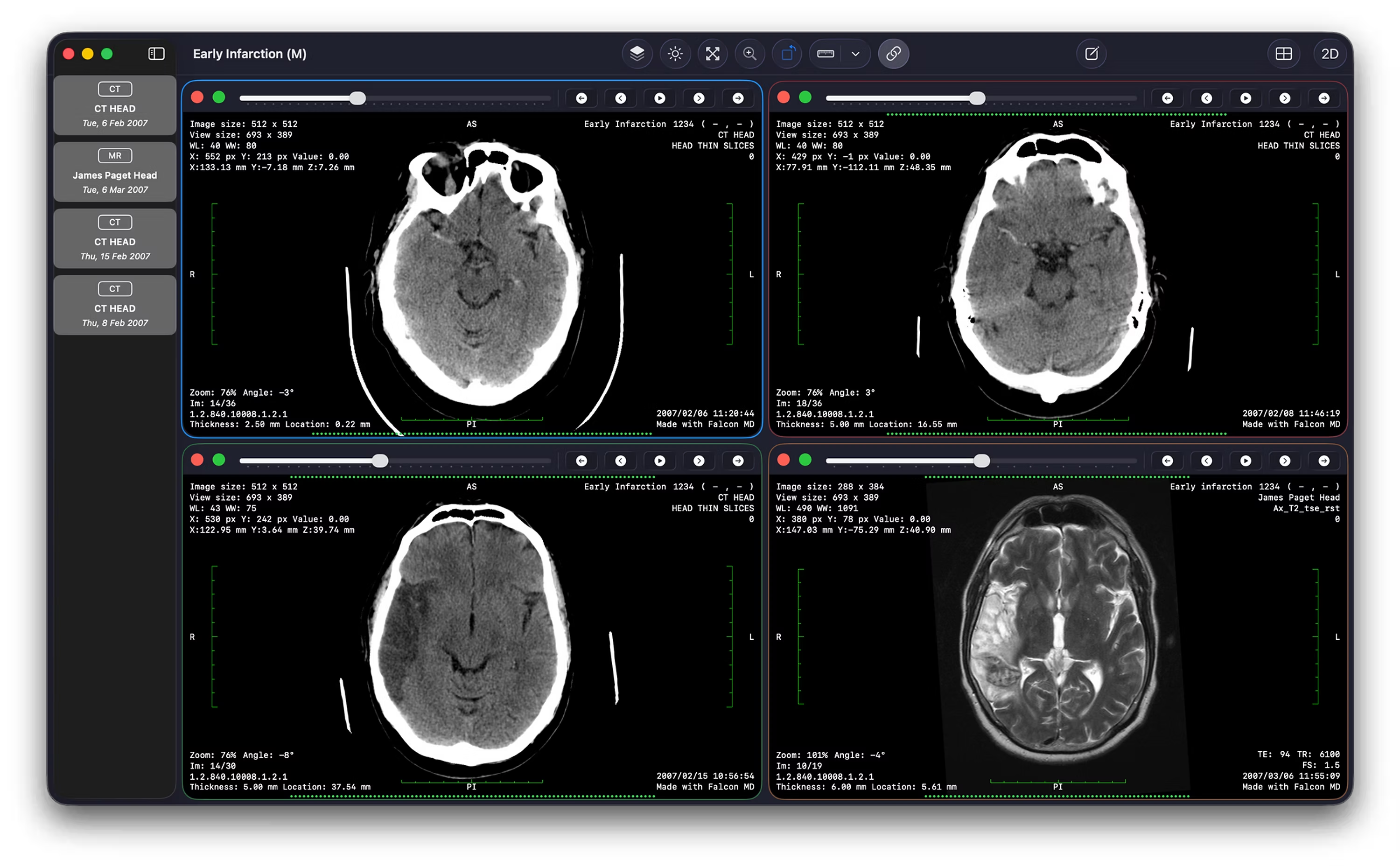
With over 30 advanced tools for viewing, analyzing, measuring, annotating, adjusting windowing, 3D volume rendering, syncing series, comparing studies, organizing and sharing studies, and seamless PACS integration, Falcon MD brings an unmatched level of control and functionality to your imaging workflow.


English, Deutsch, Ελληνικά, Français, Magyar, Polski, Русский, Español, Українська